Features
Everything Midcent does — and why it matters for your writing.
The writing surface
Typewriter carriage movement
The page moves left as you type and snaps back to the margin when you press Return. Your eyes stay in one place while the words travel past. Choose smooth movement or bouncy, or turn it off entirely.
Purist Mode
Backspace stops deleting and starts striking through, the way a correction looks on a typewritten page. Your false starts stay visible and you learn to write forward instead of circling the same sentence. There’s a type-over option if you want new text to land on top of the struck-through words. Toggle it on and off at any time.
Six paper textures
Classic, Warm Ivory, Soft Sepia, Cool White, Newsprint, and Parchment. The writing surface has grain and warmth instead of the flat white of a text field. Light, dark, and system themes are all supported, and dark mode has its own paper texture with an ink bleed effect.
Cursor styles
Six of them: line, standard, carriage, block, pulse, and hidden. The pulse cursor breathes gently and disappears while you’re typing. Hidden removes it altogether, for writers who find a blinking cursor distracting.
Typography
Seven bundled typewriter fonts, including Special Elite and Courier Prime. Font size, line spacing, margins, and editor zoom are all adjustable, and Tab and Shift-Tab handle paragraph indentation.
Long-form projects
Chapters
Organize a manuscript into chapters, reorder them by dragging, and keep the whole project in one place. Each chapter carries its own version history.
The Drawer
A notes panel that lives beside each chapter — character details, plot threads, research fragments, and the paragraphs you cut but weren’t ready to lose. Notes can optionally be appended to your exports.
Paper Trail
A calendar that marks every day you sat down and wrote. Not a word count, not a streak that punishes you for missing a Tuesday. A quiet record of a habit.
Versions
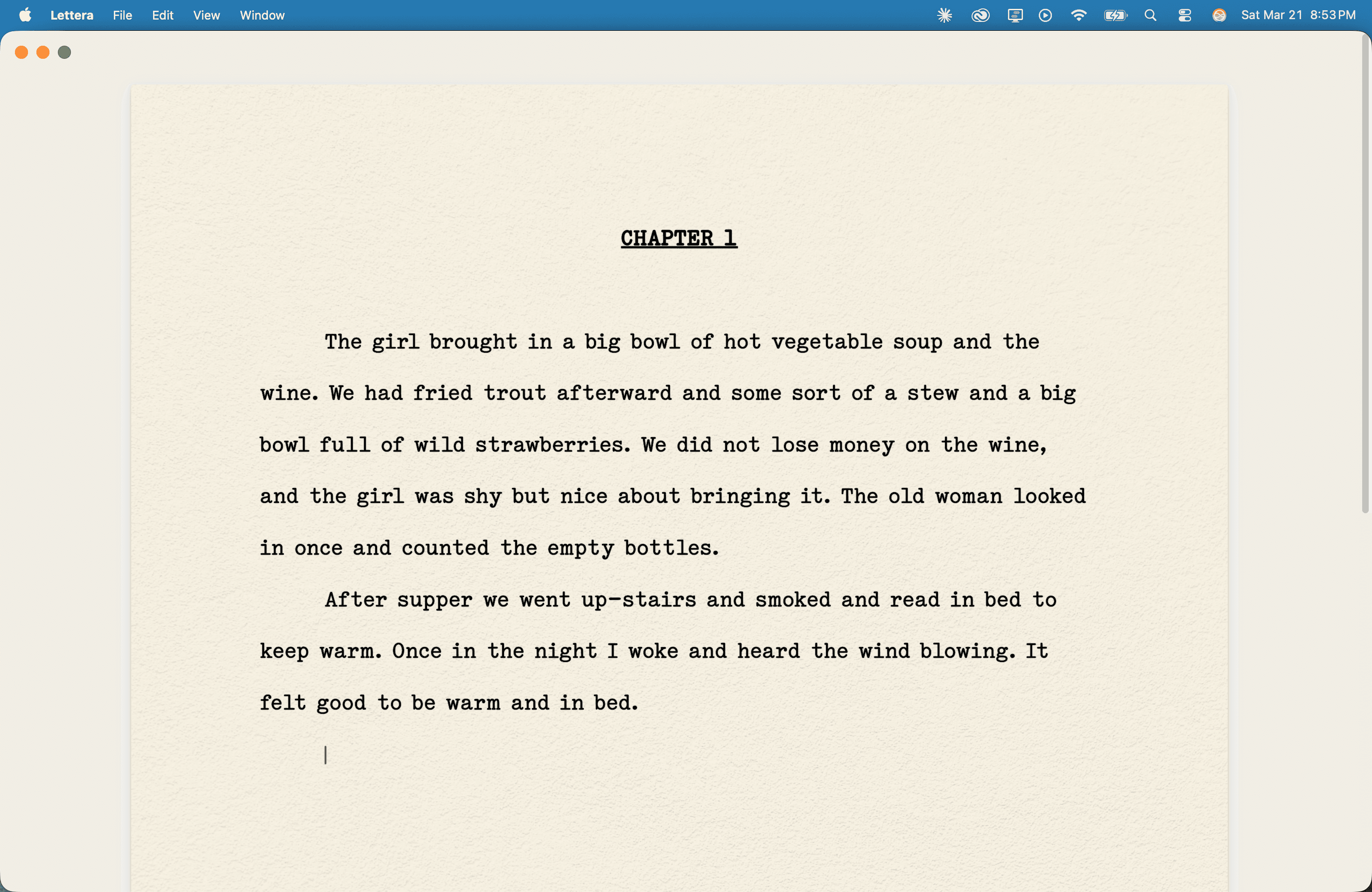
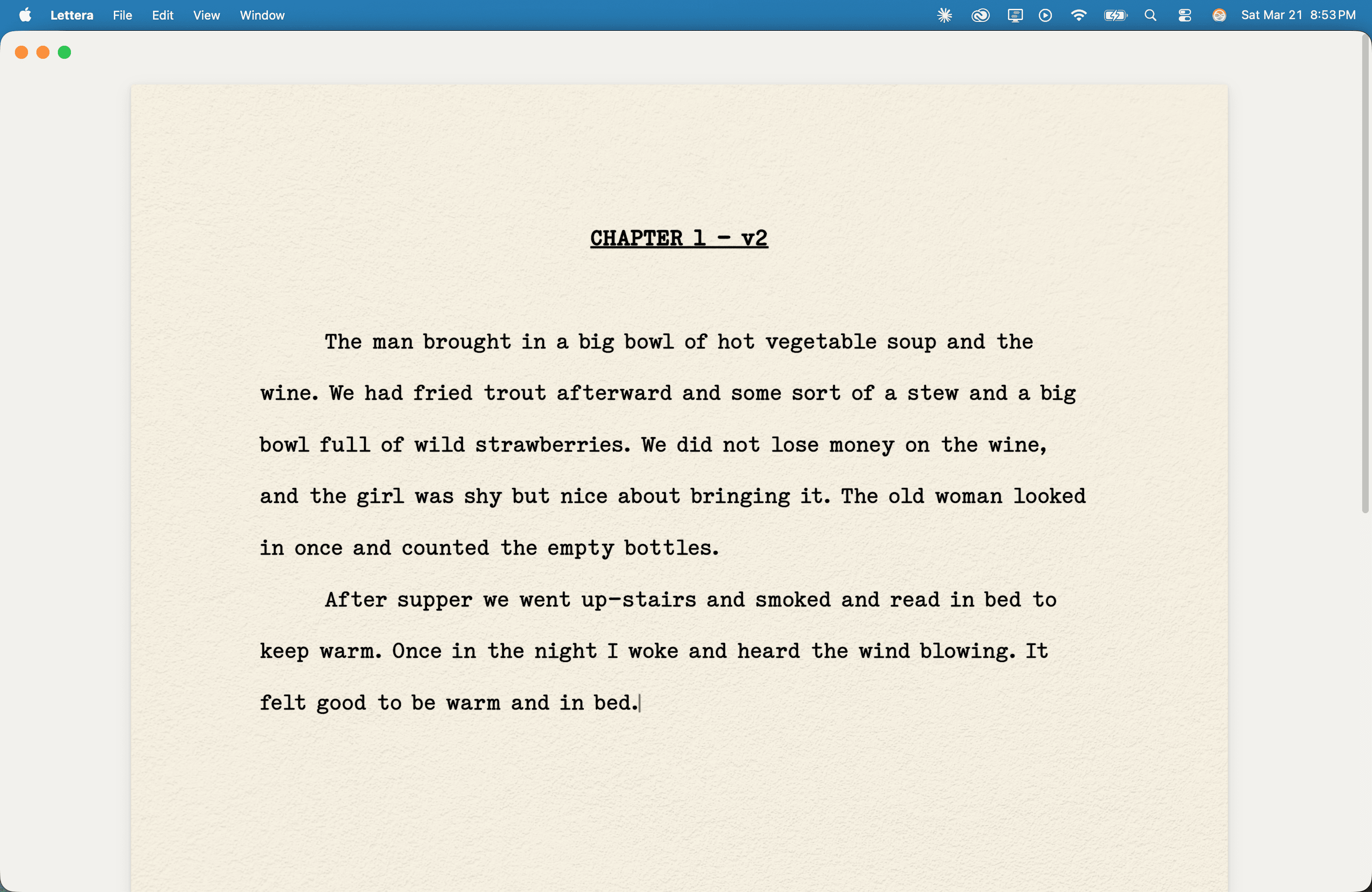
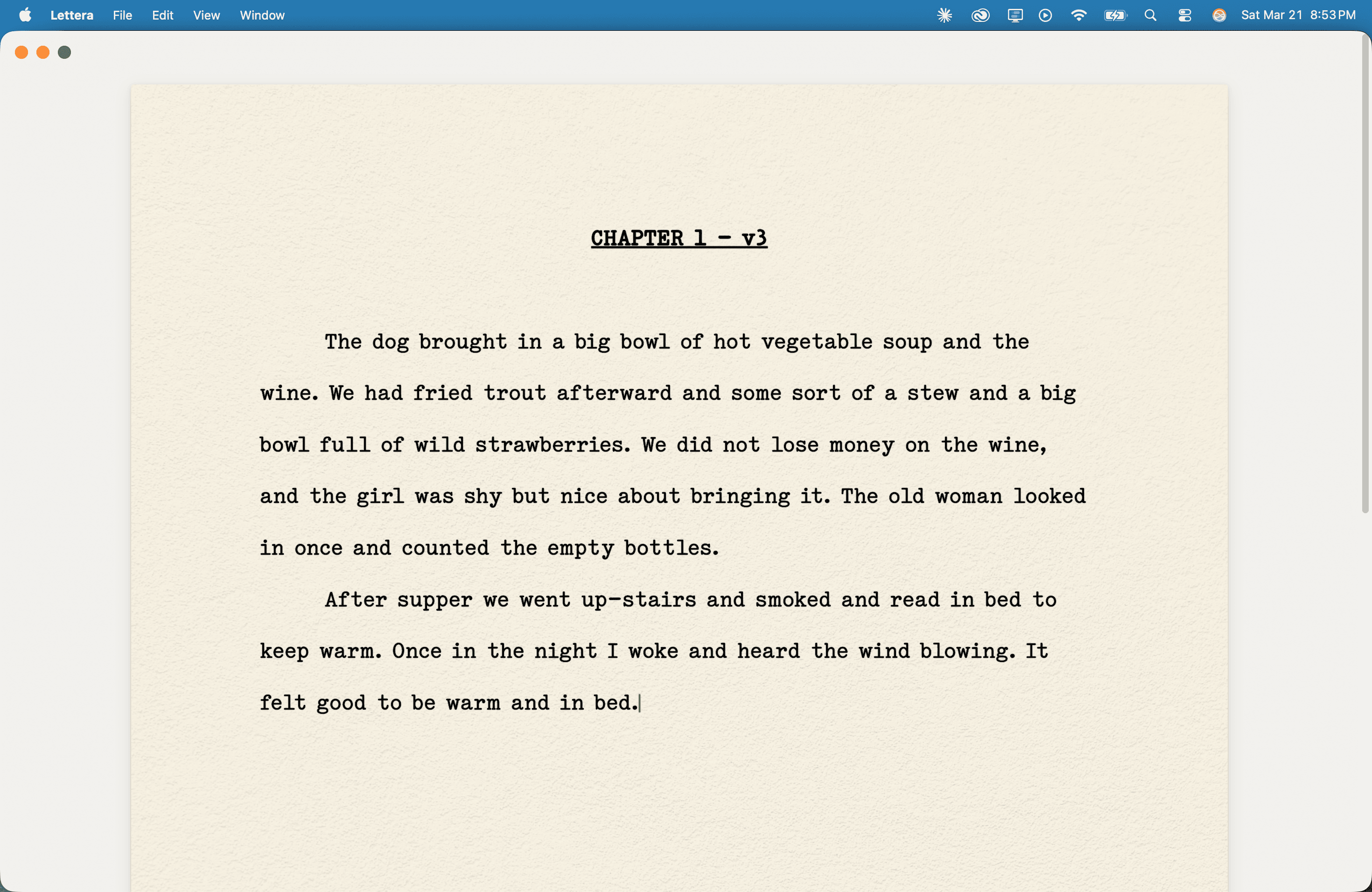
Every save is a version. Scroll back through your drafts to see how your writing evolved — or recover something you cut three sessions ago. Nothing is ever lost.
Getting words out
Export and print
Export to PDF, Word, Markdown, or plain text, with an option to include your Drawer notes. Print directly from the app. Your working files are ordinary files on your disk, so nothing is trapped in a format only Midcent can open.
Find and replace
Search across your chapter with a live match count and navigation between hits.
Snapshots
Back up and restore the state of an entire project, separate from the per-chapter version history.
What Midcent doesn’t do
No AI
No autocomplete, no rewrite suggestions, no generated text, no AI-powered grammar checking. This is a design decision, not a missing feature. The words are yours.
No account, no cloud
Midcent has no login, no sync service, and no server. It doesn’t need an internet connection. Your files live on your computer, where you can back them up however you like.
See the version history for what shipped in each release.

One purchase on the Mac App Store, yours forever.